Public or private profile: checks before ordering
Editorial team CheapFollowersBuy.com · Updated
Before ordering, check the exact username, the account’s public status and access to each selected post. Seeing an avatar or your own video in your app does not confirm access for other people. If you need to keep the account private, do not order a service that requires a public profile.
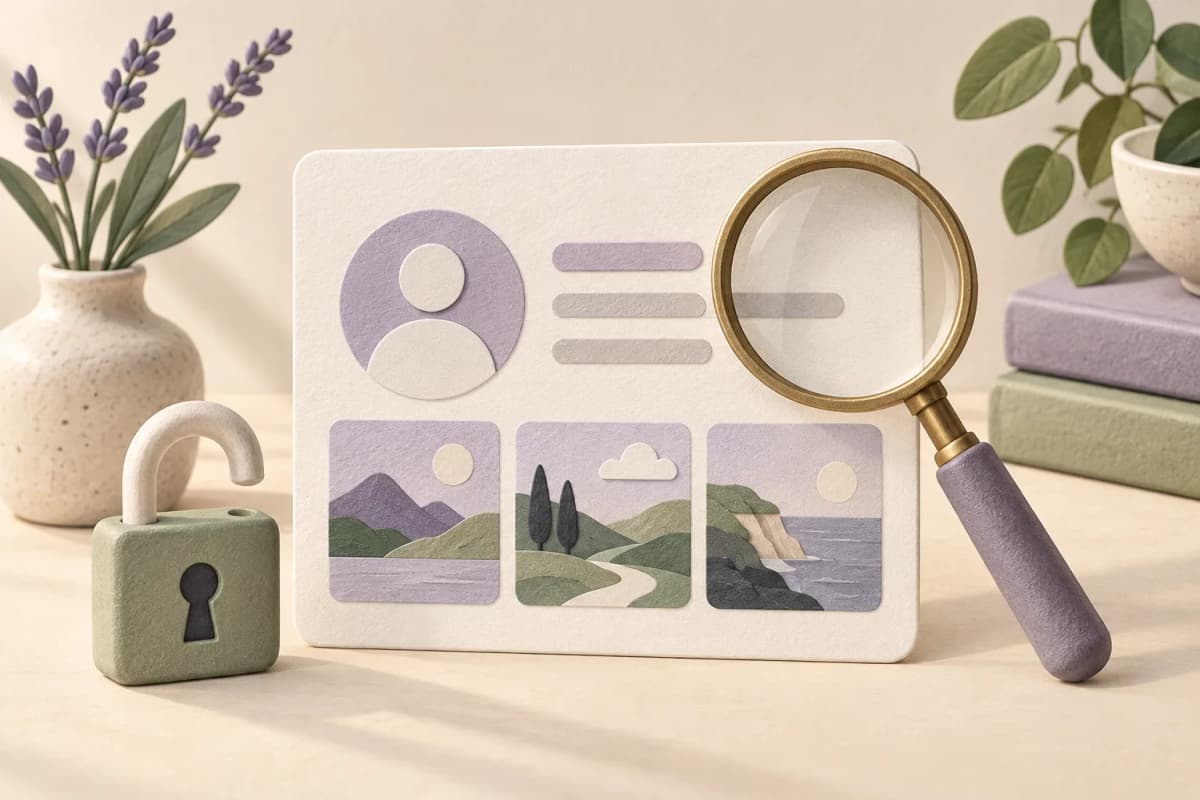
An avatar does not prove access to posts
TikTok distinguishes basic account details from the visibility of individual posts. A name or photo can be visible while the content is restricted. A public account does not necessarily make every video public, so check the profile and the chosen post separately.
Privacy comes first. Some accounts have additional protections, including the Teen Accounts described by Meta. Do not bypass age, parental or other safety controls. Ordering does not require your Instagram or TikTok password.
Check the target before choosing a service
Start with the exact address and work towards the content. Compare the loaded profile with the account you intend to use. Display names can be shared by different accounts; the platform and username identify the target.
- Choose Instagram or TikTok and the exact username.
- Check account privacy in your own app.
- Check each post selected for likes or views.
- Refresh the profile on our site and compare the loaded content.
- Review the target and allocation before payment.
When the profile appears but a post does not
Example: the account is public, but one selected video has a restricted audience. Finding the profile is not enough. Check that video’s visibility settings and select only content you want and are able to keep public.
A login screen or loading error alone does not prove that an account is private. Check the settings in the app and the actual loading result on our site. Do not work around platform access restrictions.
| Symptom | Next step |
|---|---|
| Private account | Decide your privacy preference; do not proceed while private. |
| One video missing | Check that post’s audience and exact link. |
| Loading error | Refresh; contact support if it persists. |
| Unclear payment | Check the existing order before paying again. |
Refresh and check the result
If you choose to change your privacy settings, return to our site and use the profile refresh or verification option. Pressing the button is not proof of success: continue only when the correct public profile and required posts have loaded.
If an error persists, note its wording and time. Repeated clicks or another payment will not repair unavailable profile data. Never substitute an estimated follower count or a similarly named account.
Keep the order target available during delivery
Keep the account and selected posts public, retain the username and do not delete the selected content. Renaming or deleting changes the target associated with the order; it does not redirect an existing order to a different profile.
Read the service’s refill conditions and the terms. Voluntary refills are tied to the original username. That is neither a reason to abandon privacy protections nor an unlimited promise for any account.
Give support the information it needs
For CheapFollowersBuy.com, provide the order number, platform, target and a short description. Remove passwords, codes, payment details and unrelated private messages from screenshots. Do not publish your order management link.
Check an unclear payment in the existing order and with support before buying again. Public availability is a technical service requirement, not a guarantee of reach, customers or approval by the social platform.
Sources and further reading
The workflows and labelled examples are editorial recommendations. Platform features are described using the sources below.